
OpenCode: Advanced Configuration and MCP Servers

The OpenCode Configuration System
OpenCode uses a layered hierarchical configuration system where multiple files merge in priority order. This lets you have a personal global config, a project-specific one, and even a remote organizational one.
The priority order (highest to lowest) is:
- Project:
opencode.jsonat the project root - Environment variable:
OPENCODE_CONFIGpointing to a custom file - Global:
~/.config/opencode/opencode.json - Organizational:
.well-known/opencode(remote) - Managed settings: Admin-enforced configurations

Source: OpenCode — GitHub Repository
Complete Project Configuration
Let's look at a complete opencode.json with all the main options:
1{
2  "model": "anthropic/claude-sonnet-4-5",
3  "small_model": "anthropic/claude-haiku-4-5",
4  "server": {
5    "port": 4096,
6    "hostname": "localhost",
7    "cors": true
8  },
9  "permission": {
10    "ask": "allow",
11    "skill": {
12      "*": "allow",
13      "internal-*": "deny"
14    }
15  },
16  "agents": {
17    "reviewer": {
18      "prompt": ".opencode/agents/reviewer.md",
19      "model": "anthropic/claude-opus-4-1",
20      "tools": {
21        "bash": false,
22        "edit": false,
23        "read": true
24      }
25    }
26  }
27}
Environment Variables in Configuration
OpenCode supports variable substitution, which is ideal for avoiding hardcoded secrets:
1{
2  "model": "{env:OPENCODE_MODEL}",
3  "provider": {
4    "anthropic": {
5      "options": {
6        "apiKey": "{env:ANTHROPIC_API_KEY}",
7        "baseURL": "{env:ANTHROPIC_BASE_URL}"
8      }
9    }
10  },
11  "instructions": "{file:.opencode/instructions.md}"
12}| Syntax | Description | Example |
|---|---|---|
{env:VARIABLE} | Reads an environment variable | {env:ANTHROPIC_API_KEY} |
{file:path} | Includes file contents | {file:.opencode/rules.md} |
Configuring AI Providers
One of OpenCode's greatest strengths is its compatibility with over 75 providers. Here's how to configure the main ones:
Anthropic (Claude)
1# Environment variable
2export ANTHROPIC_API_KEY="sk-ant-api03-..."
3
4# Or in opencode.json1{
2 "model": "anthropic/claude-sonnet-4-5",
3 "provider": {
4 "anthropic": {
5 "options": {
6 "baseURL": "https://api.anthropic.com/v1"
7 }
8 }
9 }
10}OpenAI
1export OPENAI_API_KEY="sk-..."1{
2 "model": "openai/gpt-4o"
3}Google Gemini
1export GOOGLE_API_KEY="AIza..."1{
2 "model": "google/gemini-2.5-pro"
3}Ollama (Local Models)
1# First, install and run Ollama
2ollama serve
3ollama pull llama3.1:70b1{
2 "model": "ollama/llama3.1:70b",
3 "provider": {
4 "ollama": {
5 "options": {
6 "baseURL": "http://localhost:11434"
7 }
8 }
9 }
10}AWS Bedrock
1export AWS_ACCESS_KEY_ID="AKIA..."
2export AWS_SECRET_ACCESS_KEY="..."
3export AWS_REGION="us-east-1"1{
2 "model": "bedrock/anthropic.claude-sonnet-4-5",
3 "provider": {
4 "bedrock": {
5 "options": {
6 "region": "us-east-1"
7 }
8 }
9 }
10}Permission System
OpenCode has a granular permission system that controls what agents and Skills can do:
1{
2  "permission": {
3    "ask": "allow",
4    "skill": {
5      "*": "allow",
6      "dangerous-*": "deny"
7    },
8    "mcp": {
9      "filesystem": "allow",
10      "github": "ask"
11    }
12  }
13}| Value | Behavior |
|---|---|
allow | Permits the action without asking |
deny | Blocks the action silently |
ask | Requests user confirmation before executing |
What is MCP (Model Context Protocol)?
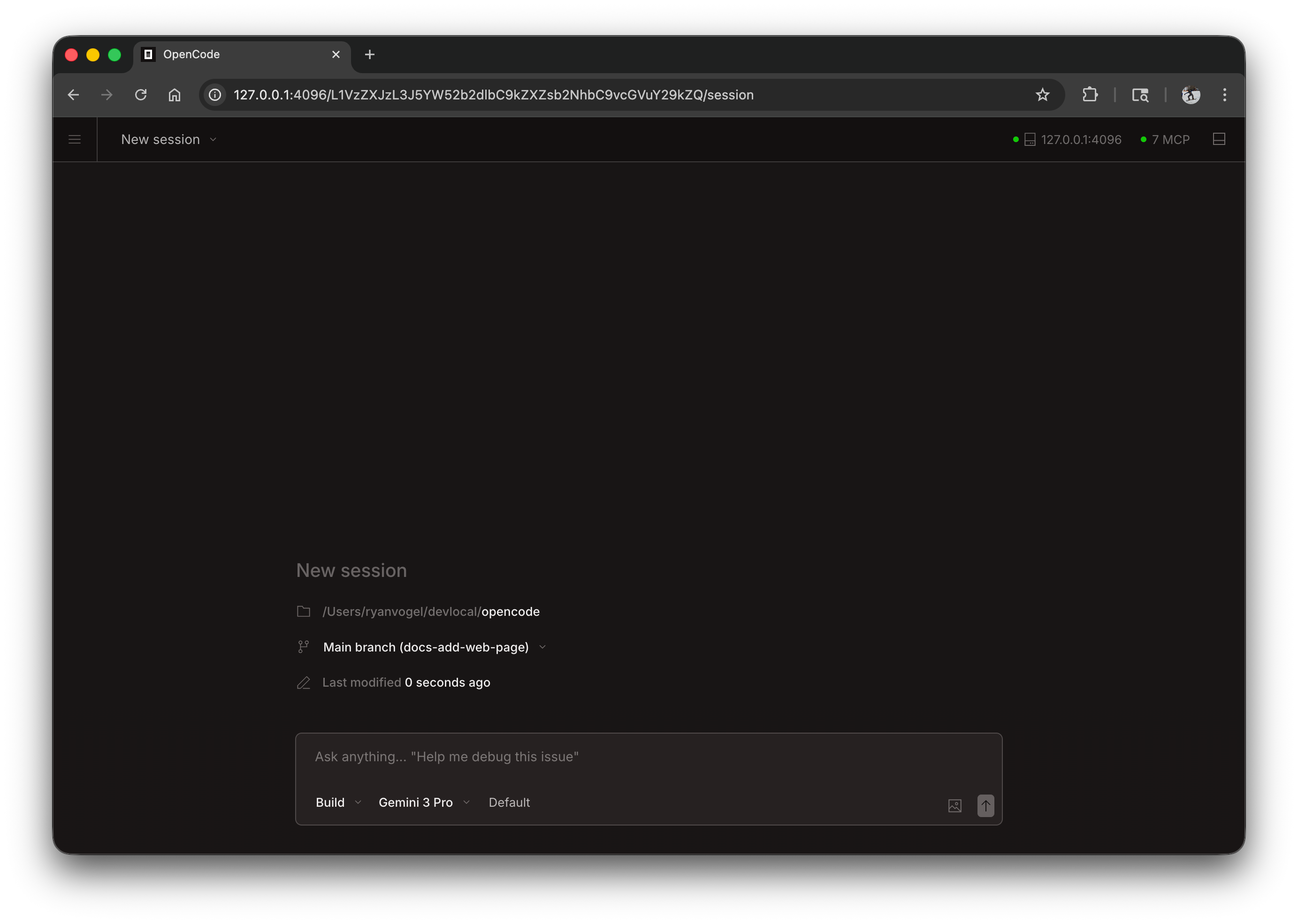
MCP is an open standard protocol that allows AI agents to connect with external tools and data sources. Think of MCP as a universal USB for AI: a standardized interface that lets any tool connect with any agent.
Source: OpenCode — GitHub Repository
With MCP, OpenCode can:
- Query databases directly
- Interact with GitHub, GitLab, and Jira APIs
- Read and write to remote file systems
- Send messages to Slack or Teams
- Access observability services (Grafana, Datadog)
- Connect with any service that implements the protocol
Configuring Local MCP Servers
Local MCP servers run as processes on your machine. They're ideal for tools that need file system access or local services.
File System Server
1{
2  "mcp": {
3    "filesystem": {
4      "type": "local",
5      "command": "npx",
6      "args": [
7        "@modelcontextprotocol/server-filesystem",
8        "/home/user/documents",
9        "/home/user/projects"
10      ]
11    }
12  }
13}
This gives OpenCode controlled access to specific directories outside the current project.
PostgreSQL Server
1{
2  "mcp": {
3    "postgres": {
4      "type": "local",
5      "command": "npx",
6      "args": [
7        "@modelcontextprotocol/server-postgres",
8        "{env:DATABASE_URL}"
9      ]
10    }
11  }
12}1# Example database interaction
2> How many users signed up this week?
3
4# OpenCode executes via MCP:
5# SELECT COUNT(*) FROM users WHERE created_at >= NOW() - INTERVAL '7 days';
6# Result: 142 usersGitHub Server
1{
2  "mcp": {
3    "github": {
4      "type": "local",
5      "command": "npx",
6      "args": [
7        "@modelcontextprotocol/server-github"
8      ],
9      "env": {
10        "GITHUB_TOKEN": "{env:GITHUB_TOKEN}"
11      }
12    }
13  }
14}1# Example: working with GitHub issues
2> List open issues with the "bug" label and assign me the oldest one
3
4# OpenCode interacts with the GitHub API via MCP
5# and executes the necessary actionsConfiguring Remote MCP Servers
Remote servers run in the cloud and OpenCode connects to them via HTTP. They're ideal for services shared by the entire team.
1{
2  "mcp": {
3    "company-tools": {
4      "type": "remote",
5      "url": "https://mcp.my-company.com/tools"
6    },
7    "grafana": {
8      "type": "remote",
9      "url": "https://mcp.my-company.com/grafana",
10      "headers": {
11        "Authorization": "Bearer {env:GRAFANA_TOKEN}"
12      }
13    }
14  }
15}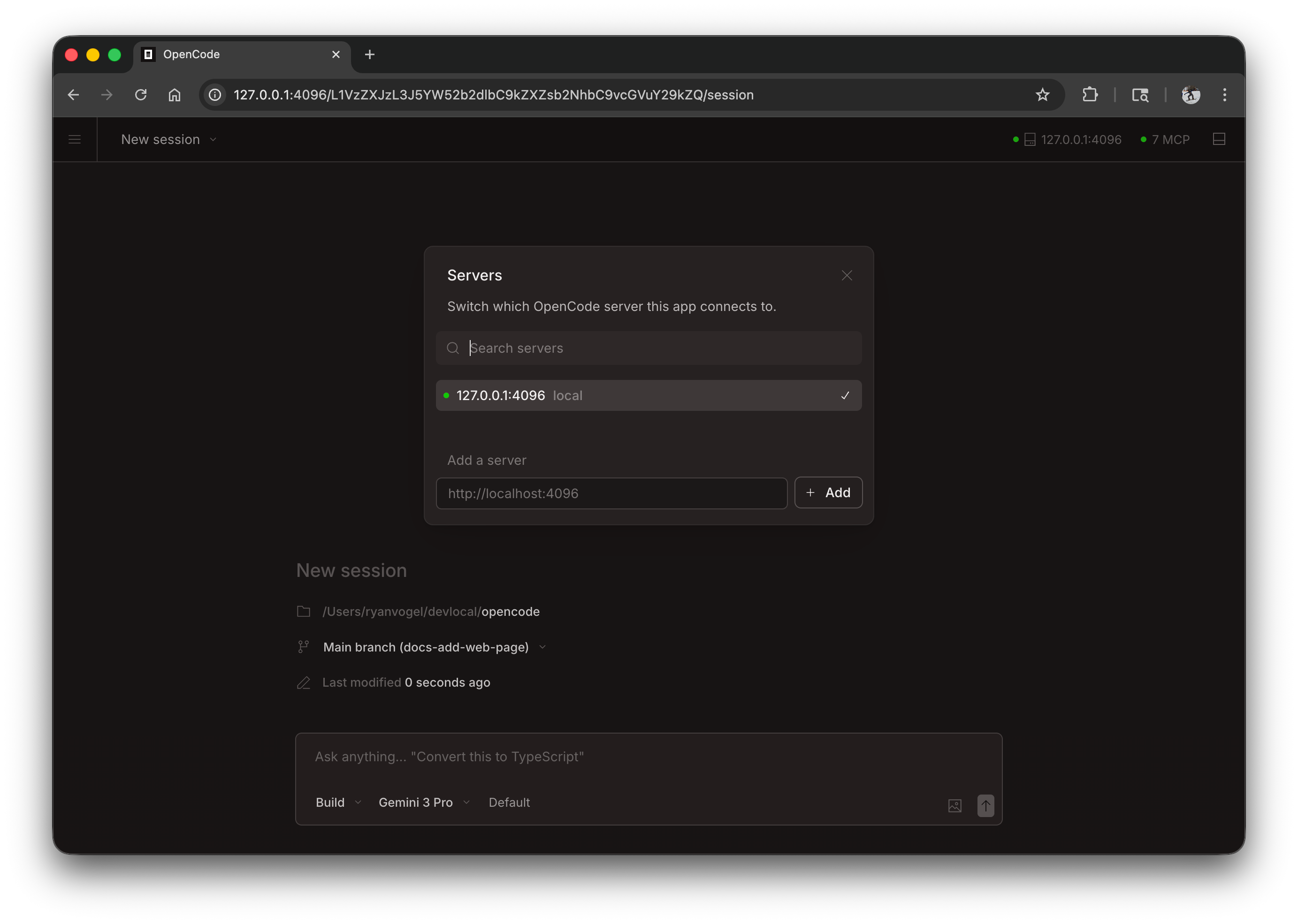
Source: OpenCode — GitHub Repository
LSP: Native Code Intelligence
OpenCode includes native Language Server Protocol (LSP) support, providing real code intelligence — not just text-based suggestions. It supports 20+ languages with automatic server downloads.
Capabilities that LSP gives OpenCode:
- Diagnostics: Real-time errors and warnings
- Hover info: Types and documentation when inspecting symbols
- Go to definition: Navigate to the source code of imported functions
- Find references: Find all usages of a function or variable
- Autocomplete: Suggestions based on actual project context
1{
2  "lsp": {
3    "typescript": true,
4    "python": true,
5    "go": true,
6    "rust": true
7  }
8}
To disable automatic LSP server downloads:
1# Disable globally
2export OPENCODE_DISABLE_LSP_DOWNLOAD=1
3
4# Or per agent in opencode.json1{
2 "agents": {
3 "quick-chat": {
4 "tools": {
5 "lsp": false
6 }
7 }
8 }
9}Snapshots and Undo/Redo System
OpenCode takes automatic snapshots of your files before every modification. This lets you safely revert changes:
1# Inside the TUI
2/undo    # Revert the last change
3/redo    # Restore a reverted change
4
5# View snapshot history
6opencode session list
Snapshots are enabled by default. To disable them (not recommended):
1{
2  "snapshot": {
3    "enabled": false
4  }
5}Custom Formatters
Define formatting commands that OpenCode will run automatically after editing files:
1{
2  "format": {
3    "*.ts": "npx prettier --write",
4    "*.tsx": "npx prettier --write",
5    "*.py": "black",
6    "*.go": "gofmt -w",
7    "*.rs": "rustfmt"
8  }
9}
Full Example: Team Configuration
Let's see a real configuration for a full-stack development team:
1{
2  "model": "anthropic/claude-sonnet-4-5",
3  "small_model": "anthropic/claude-haiku-4-5",
4
5  "server": {
6    "port": 4096,
7    "hostname": "localhost"
8  },
9
10  "permission": {
11    "ask": "allow",
12    "mcp": {
13      "postgres": "ask",
14      "github": "allow",
15      "slack": "ask"
16    }
17  },
18
19  "mcp": {
20    "postgres": {
21      "type": "local",
22      "command": "npx",
23      "args": ["@modelcontextprotocol/server-postgres", "{env:DATABASE_URL}"]
24    },
25    "github": {
26      "type": "local",
27      "command": "npx",
28      "args": ["@modelcontextprotocol/server-github"],
29      "env": { "GITHUB_TOKEN": "{env:GITHUB_TOKEN}" }
30    },
31    "slack": {
32      "type": "remote",
33      "url": "https://mcp.company.com/slack"
34    }
35  },
36
37  "agents": {
38    "reviewer": {
39      "prompt": ".opencode/agents/reviewer.md",
40      "model": "anthropic/claude-opus-4-1",
41      "tools": { "bash": false, "edit": false, "read": true }
42    },
43    "quick": {
44      "model": "anthropic/claude-haiku-4-5",
45      "tools": { "bash": true, "edit": true, "lsp": false }
46    }
47  },
48
49  "format": {
50    "*.ts": "npx prettier --write",
51    "*.tsx": "npx prettier --write",
52    "*.css": "npx prettier --write"
53  },
54
55  "instructions": "{file:.opencode/instructions.md}"
56}
Advanced Environment Variables
OpenCode offers over 40 environment variables for customization. Here are the most useful ones:
| Variable | Description | Example |
|---|---|---|
OPENCODE_CONFIG | Path to a custom configuration file | /etc/opencode/team.json |
OPENCODE_CONFIG_DIR | Custom configuration directory | ~/.my-opencode |
OPENCODE_DISABLE_LSP_DOWNLOAD | Disables automatic LSP server downloads | 1 |
OPENCODE_INSTALL_DIR | Binary installation directory | ~/.local/bin |
ANTHROPIC_API_KEY | Anthropic API key | sk-ant-... |
OPENAI_API_KEY | OpenAI API key | sk-... |
Conclusion
Advanced OpenCode configuration and MCP servers let you turn a generic coding assistant into a perfectly tailored tool for your stack, team, and workflow. The key takeaways are:
- Layered configuration: Combine global + project for maximum flexibility
- MCP servers: Connect OpenCode to your existing tools (DB, GitHub, Slack)
- Native LSP: Real code intelligence, not just text
- Granular permissions: Control exactly what each agent can do
- Environment variables: Never hardcode secrets in configuration
With this three-part series, you have everything you need to install, customize, and master OpenCode as your go-to AI coding assistant.
Comments
Sign in to leave a comment
No comments yet. Be the first!
Related Articles
Stay updated
Get notified when I publish new articles in English. No spam, unsubscribe anytime.